
Photo to coloring page converter
Turn a photo into a coloring page
Upload a picture of your pet, your kids or the whole family. Get printable line art in about 30 seconds.
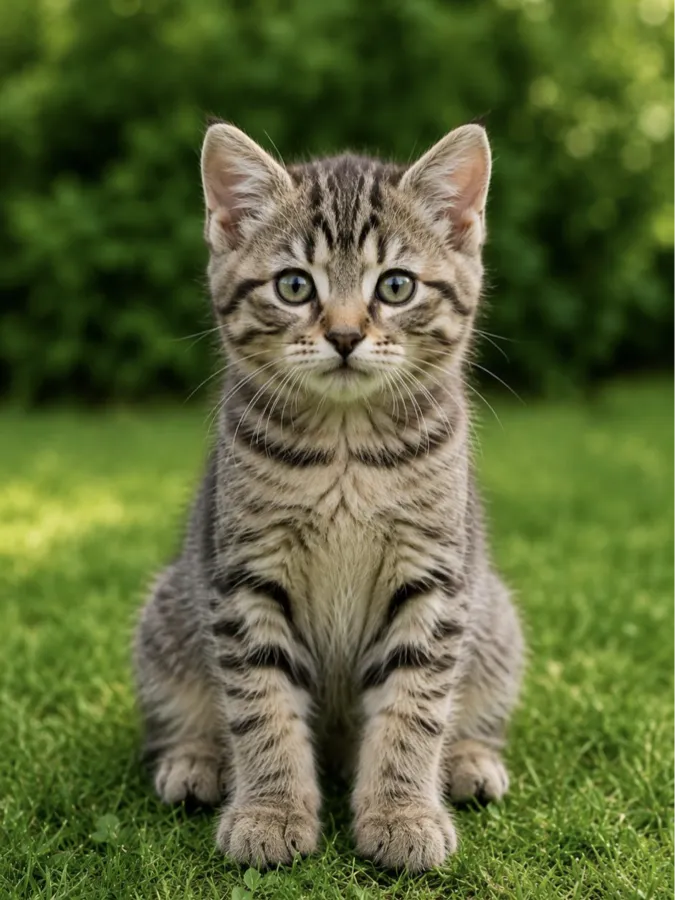
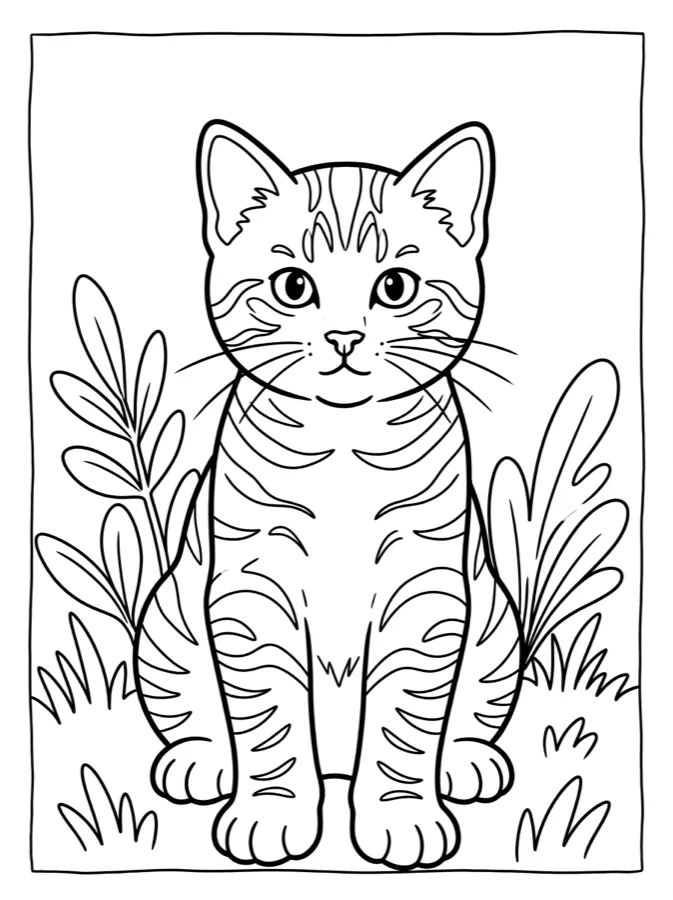
How to turn a photo into a coloring page
- Pick a clear photo. Good light, one to four people or pets, and a background that is not too busy.
- Upload it above. Phones send photos as JPG or HEIC; both work. We resize it in your browser first.
- Choose a style. Kids uses thick, simple lines and big shapes. Adult keeps hair, fur and fabric detail. Mandala turns your subject into a round pattern.
- Download the PDF and print. It is sized for US Letter or A4. Print on regular paper for crayons, or heavier paper for markers.
Which photos work best
- Faces looking at the camera
- Pets sitting or lying still
- Daylight, no heavy shadows
- Up to four people
- Big crowds and group shots
- Dark or blurry photos
- Faces far away or cut off
- Very busy backgrounds

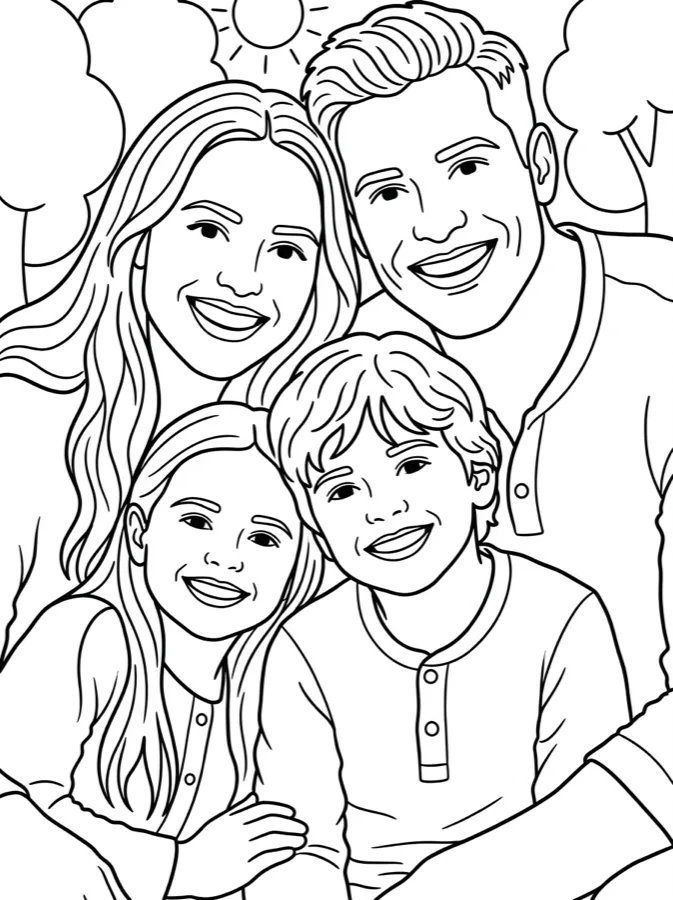

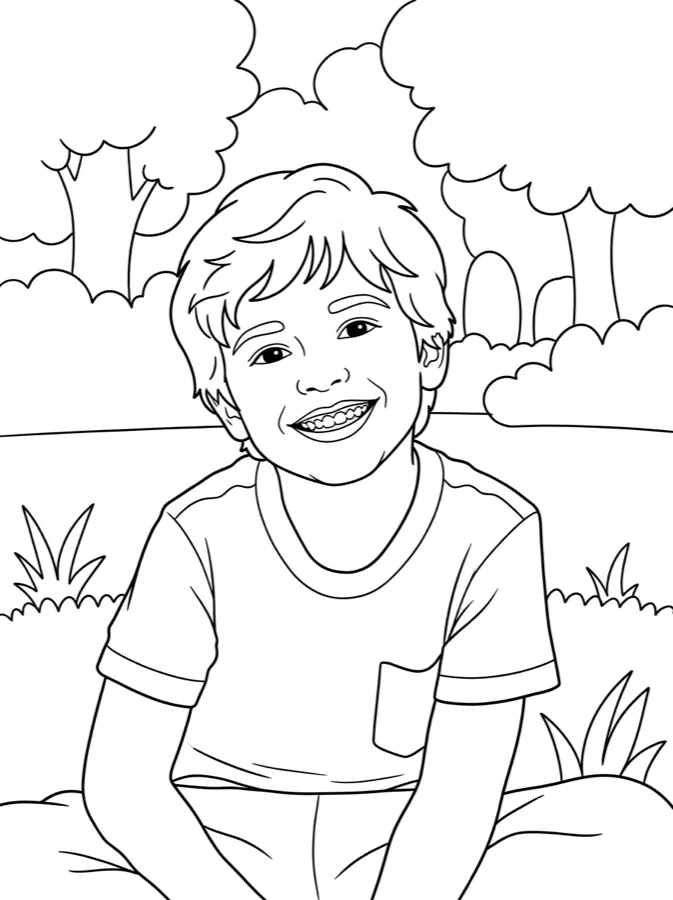
Doing it by hand vs. with AI
The classic way is to open the photo in an editor like Canva, Photoshop or GIMP, apply a "find edges" or "sketch" filter, raise the contrast and erase the noise. It works for simple pictures, but you end up with broken lines, gray shading and lots of tiny areas that are hard to color.
An AI converter redraws the photo instead of filtering it. You get closed shapes, solid black lines and a clean white background, which is what a coloring page needs. It keeps the likeness of faces and the pose, and drops the clutter.
Gift ideas
Make a page from a photo of each grandchild and print them as a little book. Turn the birthday kid into the hero of the party coloring table. Or frame a colored-in portrait of a pet that is no longer with you. In the Colorzy app you can make as many pages as you need for a whole book.
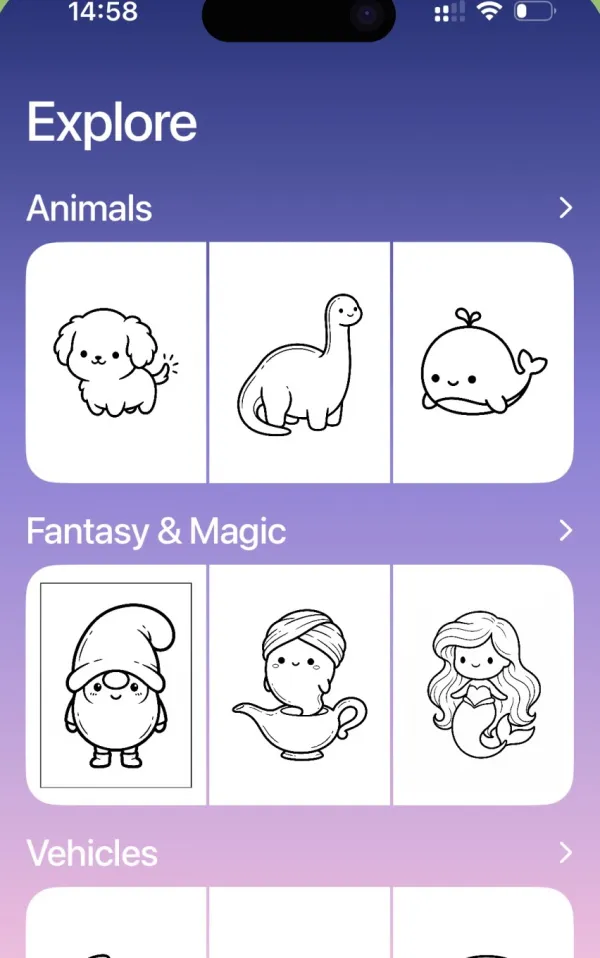
Make a whole coloring book in the app
Colorzy is the iPhone and iPad app behind this site. Make as many pages as you like and color them right on the screen.
Photo to coloring page FAQ
How do I turn a photo into a coloring page?
Upload the photo above, pick Kids, Adult or Mandala, and press the button. In about 30 seconds you get clean black line art you can download as a PDF or print.
Is the photo to coloring page converter free?
Your first page is free with no account. For more pages and all 12 styles, use the Colorzy app on iPhone or iPad.
Do you keep my photos?
No. Your photo is sent once to draw the page. It is not saved on our servers and is never shared. See the privacy policy.
Can I turn a photo into a coloring page in Canva or Photoshop?
You can, with filters like "find edges" and some cleanup by hand. It takes 15 to 30 minutes and the lines are rarely clean enough for kids. An AI converter redraws the photo as real line art in one step.
What is the best app to turn photos into coloring pages?
Colorzy for iPhone and iPad was built for exactly this: photo or idea in, coloring page out, then print it or color it on screen.
Can I make a personalized coloring book?
Yes. Make a page from each photo in the app, then print them together. It makes a great gift for grandparents or a birthday party activity.